1
Eureka explains the finding
EUREKA DOES THIS
Each finding shows the affected code, what is wrong and how to fix it.
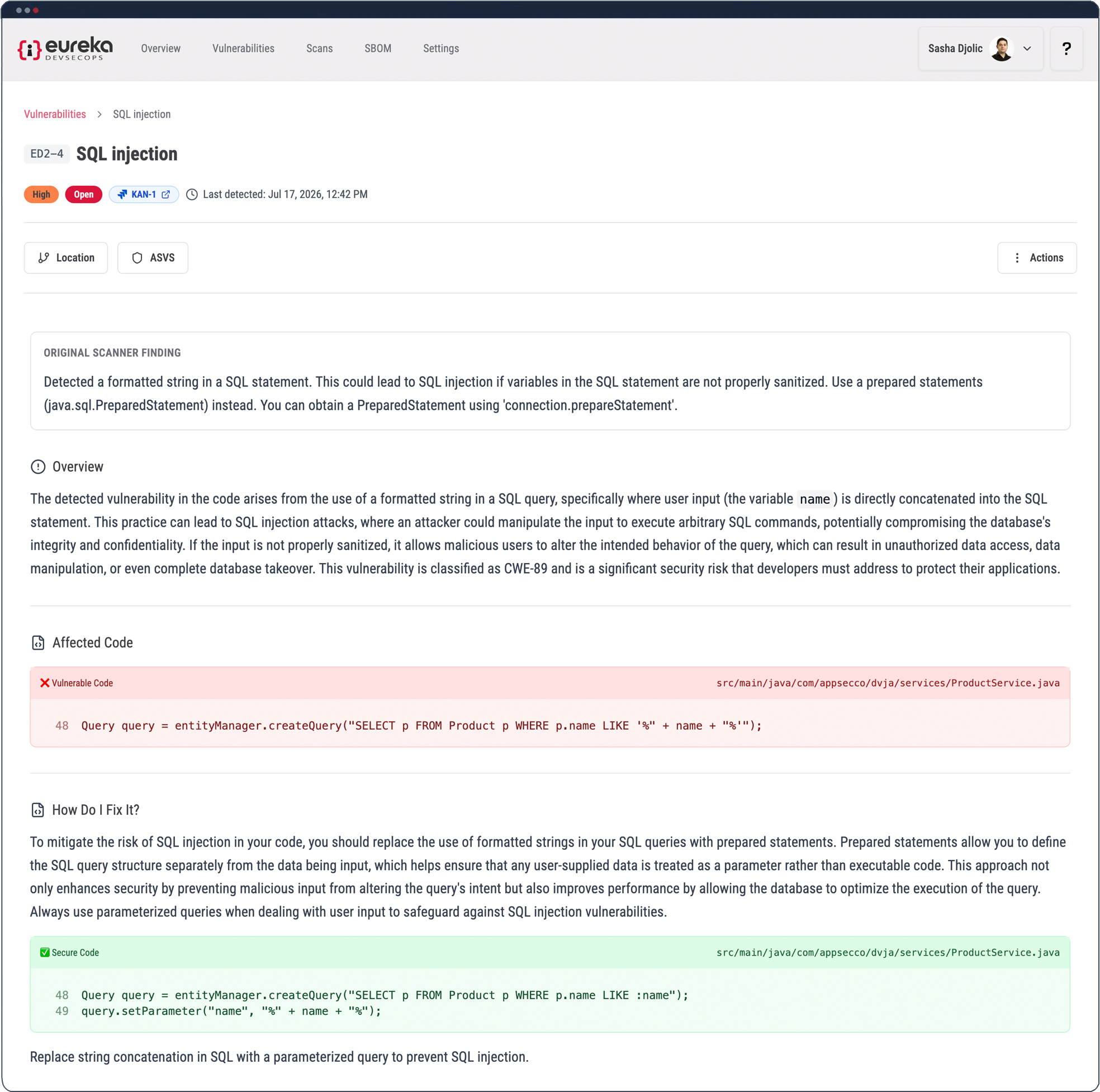
Eureka shows you what is wrong and how to fix it. For findings in GitHub repositories, press Autofix: an AI agent writes the fix, Eureka scans to check it, and opens a pull request.
30-day free trial. No credit card required.
Each finding shows the affected code, what is wrong and how to fix it.
See the affected code next to a suggested change, so you know exactly what would change.
Autofix works with GitHub repositories. Press the Autofix button to have Eureka launch an AI agent that will fix the vulnerability in the code, run a scan to verify that the vulnerability has been fixed, and open a GitHub PR for your review. If the scan still finds the vulnerability, Eureka does not open a PR and lets you know the fix needs to be done by hand.
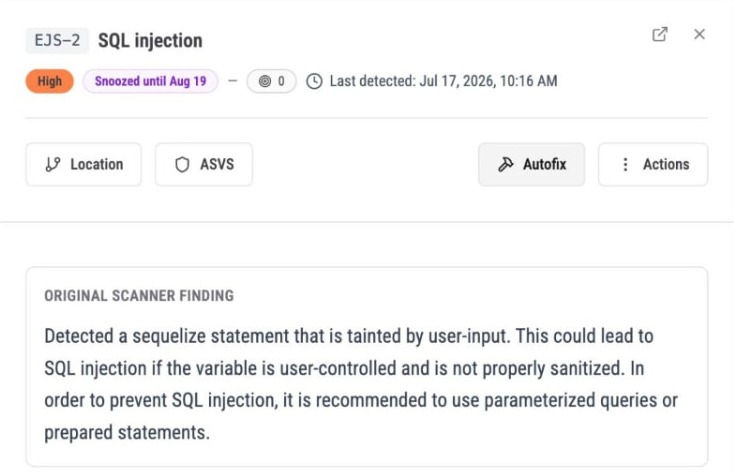
The finding links to the pull request with View PR. Check the change, run your usual checks, and merge when you are happy. Eureka never merges for you.
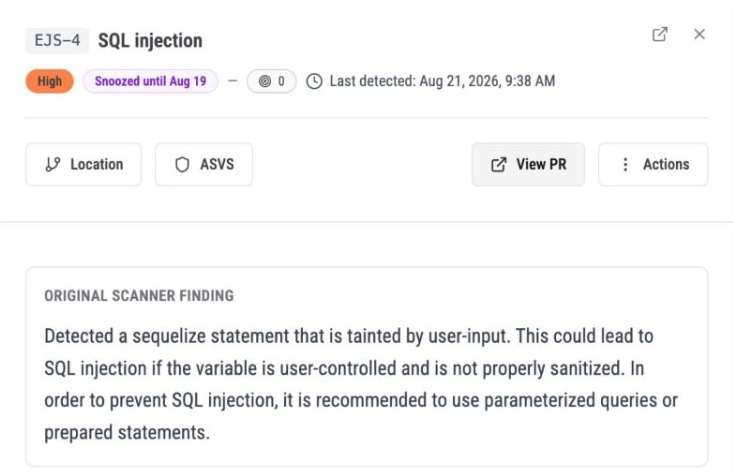
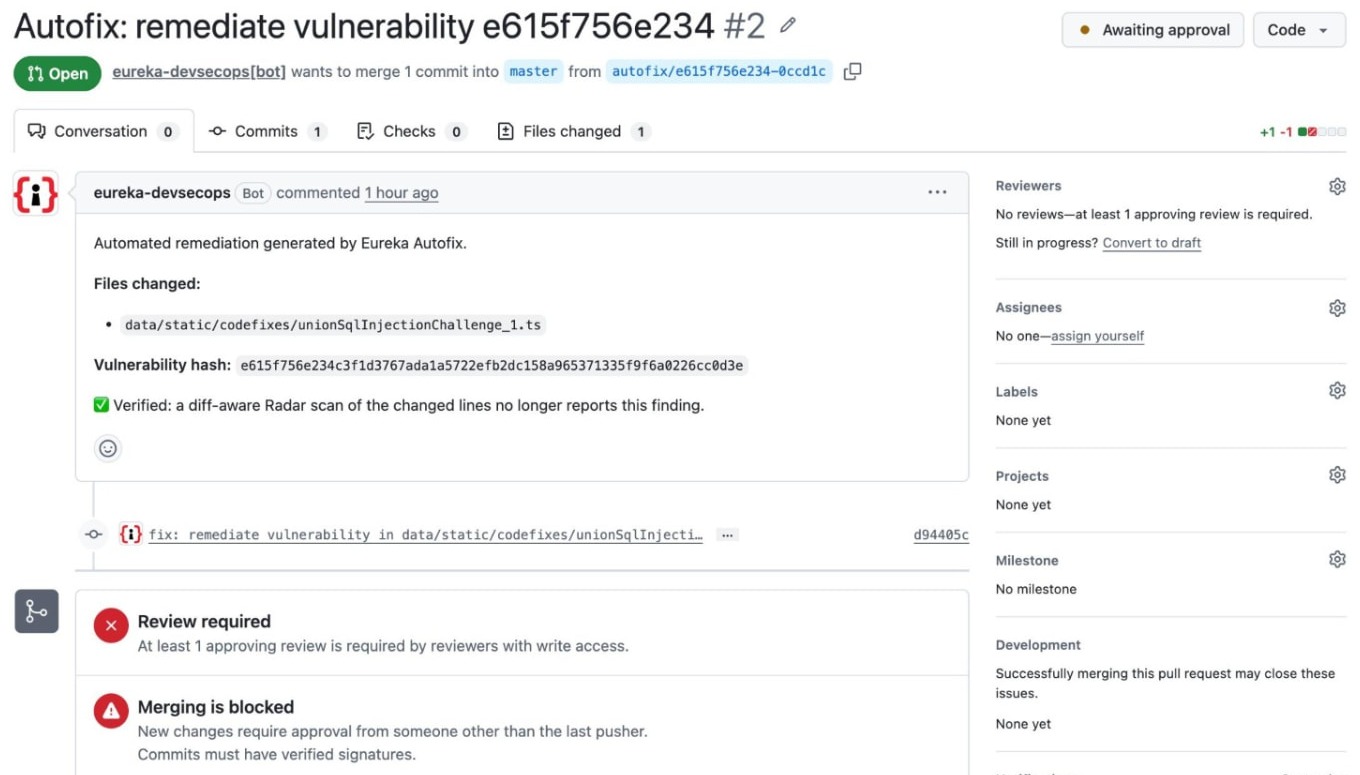
Before it opens the pull request, Eureka scans the changed code to check the vulnerability is gone. The result is posted as a comment on the pull request.
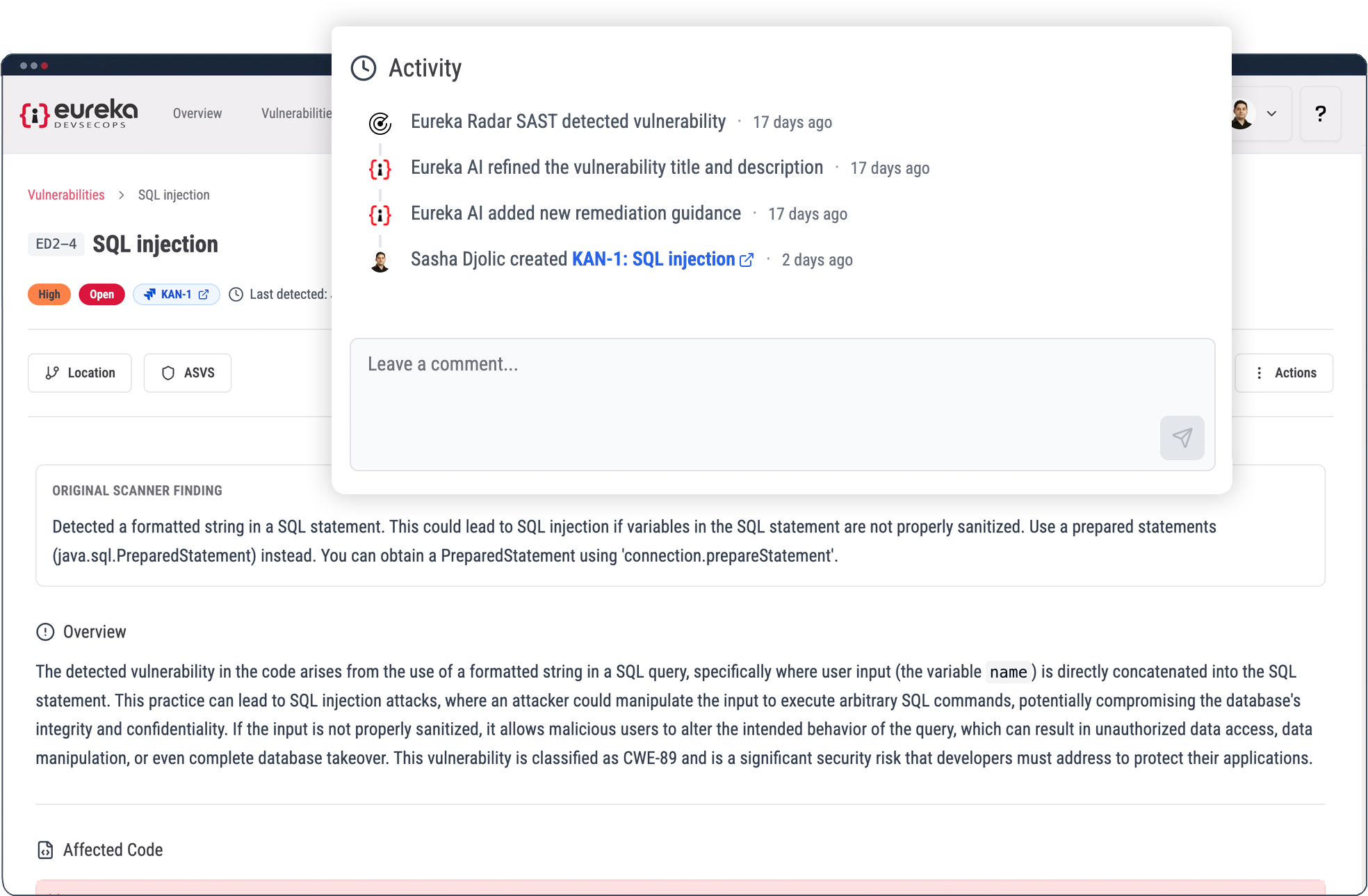
Keep the finding, remediation guidance and linked pull request available as the work progresses. Use the recorded activity to understand how the issue has been handled.
When a finding belongs to an attack scenario, use that context to understand why the change matters. After addressing a finding, review the remaining conditions and linked issues before treating the whole scenario as resolved.
Autofix is available for supported findings. Where it is unavailable, use the remediation guidance and your team’s normal workflow.
In GitHub. Autofix works with GitHub repositories today.
No. It creates a proposed change for your team to review. Your team controls approval, merge and deployment.
Before it opens a pull request, Eureka scans the changed code to check the vulnerability is gone. If the scan still finds it, Eureka does not open a pull request and tells you the fix needs to be done by hand.
Addressing one finding does not by itself establish that every issue or route in the scenario has been resolved. Review the remaining scenario context.
Move from understanding the finding to inspecting a proposed fix, with the work connected to the vulnerability record.
30-day free trial. No credit card required.